Creating a new reference within Reference Manager
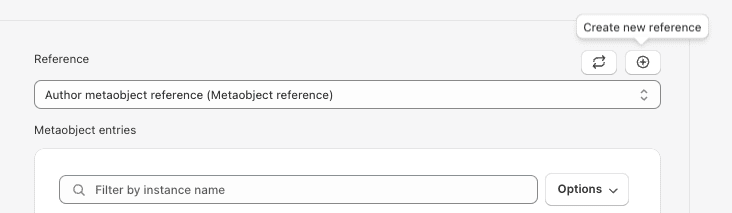
If you want to make a new reference within the Reference Manager, click on the “Create new reference” button in the upper-right corner.
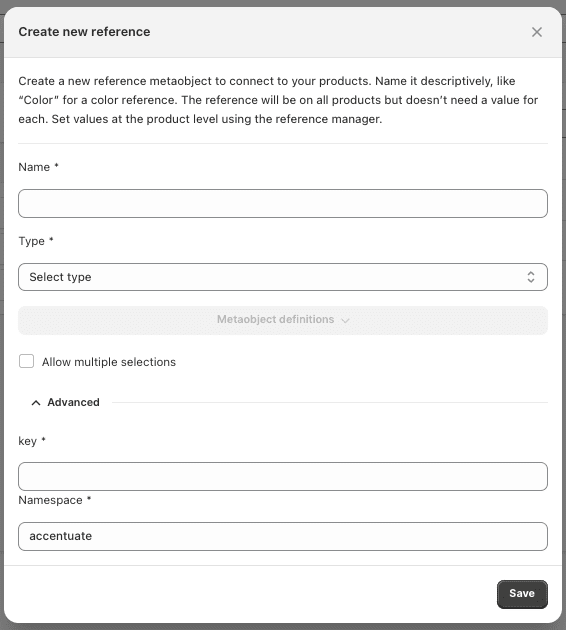
This will lead you to a pop-up where you will be able to name your reference and select which type of reference you want it to be.
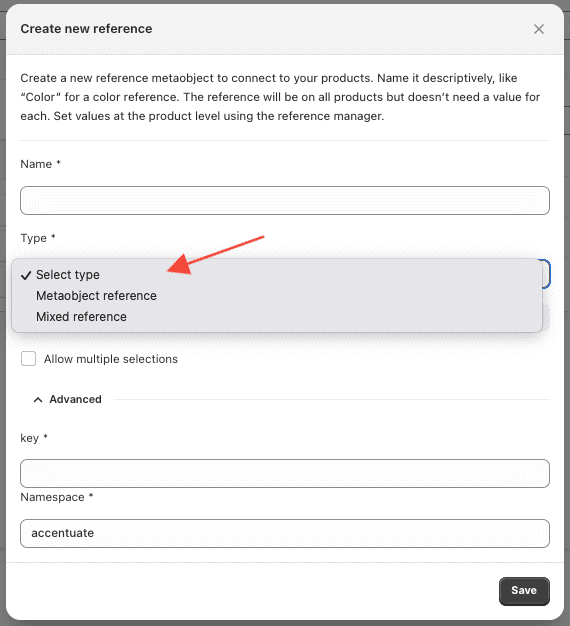
You can choose between Metaobject reference which would be selecting one Metaobject and Mixed reference which means that you want to select more than one Metaobject.
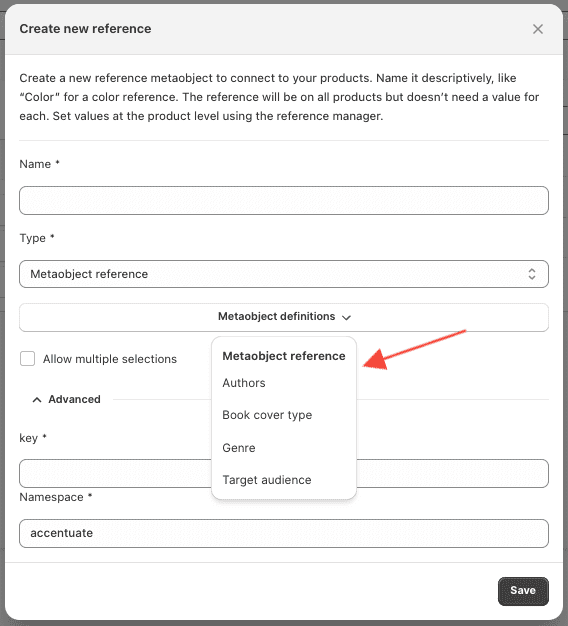
When you select a type, you should be able to click on “Metaobject definitions” and select the one you want to be applied. When you are happy with your settings, go on and save.