
Why are none of my fields showing in the editor?
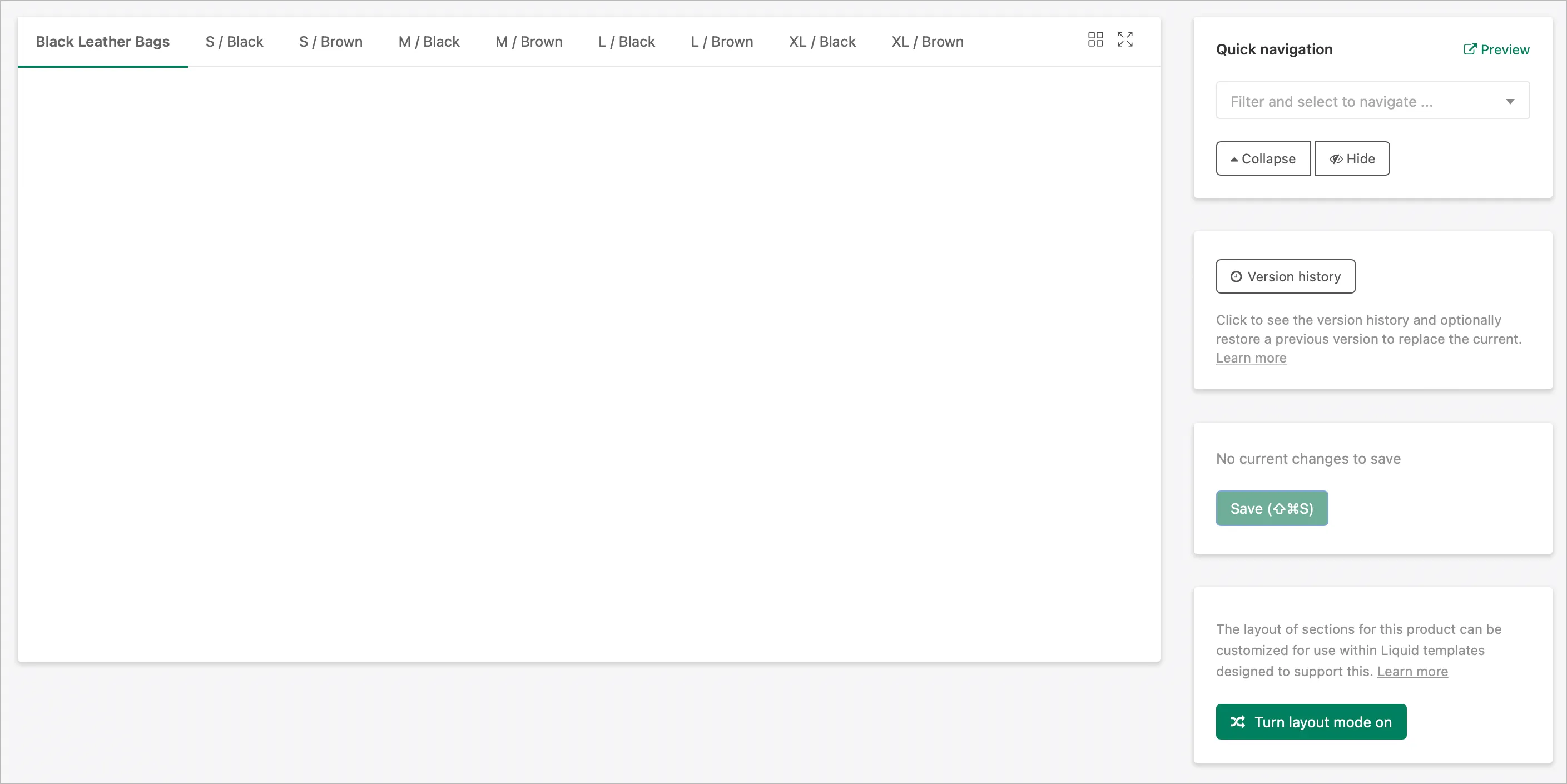
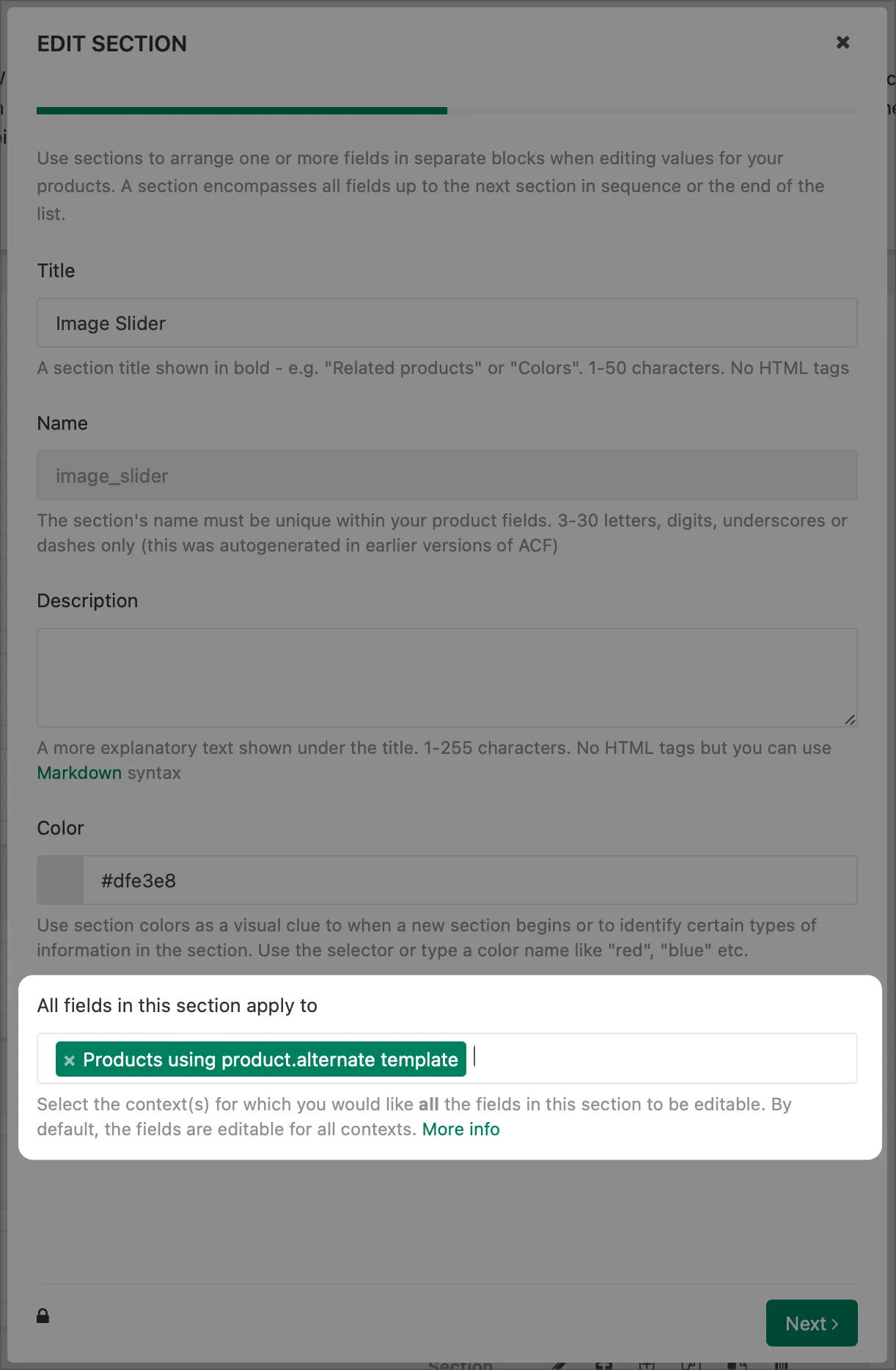
If you are experiencing that none of your fields is available in the editor for an object it is most likely because of Field context filters defined in the settings of your fields or sections.
You can view which filters are applied to your fields by clicking “edit field”/“edit section”:
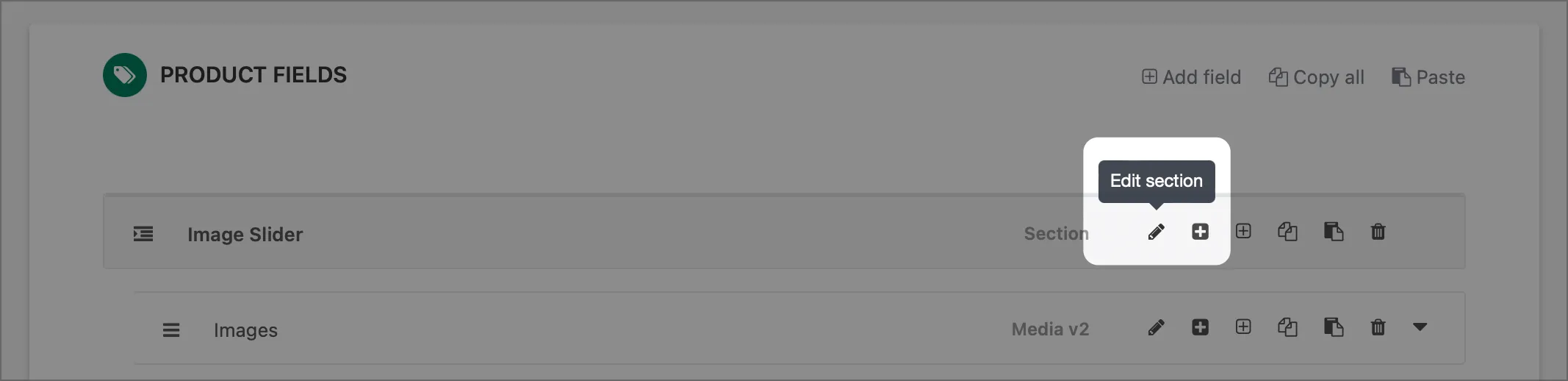
You will therefore have to either:
a) Remove/change the filter settings to match the object you are trying to edit the content for, or
b) Change the product settings to match the filter settings applied.
Note: if you change any product settings in your store, remember to hit the “refresh” button in the right sidebar in ACF to see the changes applied immediately.